


A few months ago, I got an email from Google telling me that Google Domains has been sold to another company.
Oh, crap.
That means the domains I had working out of Google Domains would be subject to another companies technology, pricing, etc.
Not sure what to do…..I did nothing……
Until……
A few days ago, I got an email from WordPress telling me that my main domains (ForCarol.com, TracyReaderDad.com, and TechyMike.com….that are pointing to my blogs on WordPress.com) could be transferred from Google Domains to WordPress easily…..and for FREE.
I pondered that for a day, then wrote to WordPress support to find out if I could also transfer other domains that I had pointing to my blogs (TelBitConsulting.com, YeOldeTechy.com, and ForCarol.org)…..they said YES!
Yesterday morning, I sat in my telecommuting / remote work office……
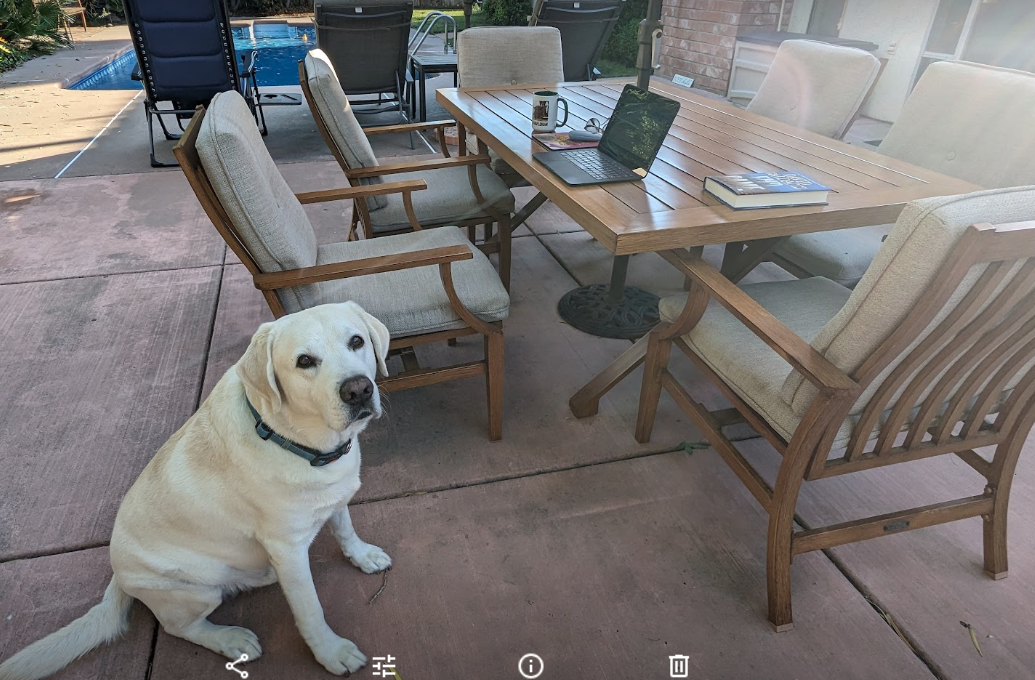
……..and, as a test, I decided to transfer the least important (least traffic) domain, the one you are now reading…..TechyMike.com.
Here is what I did.
I…..
- Went to Google Domains as I always do.
- Found the domain: TechyMike.com
- Clicked on the “Manage” link
- Clicked on “Registration Settings” on the left.
- Scrolled down to “Transfer Out” (to get the authorization code)
- Allowed Google Domains to “UNLOCK” TechyMike.com
- Copied the Auth Code to my computer (I also put it in Google Keep).
- Went to TechyMike’s admin page on WordPress.
- Hoovered over “Upgrade” then clicked on “Domains”.
- Clicked on ADD DOMAIN in the top right corner.
- Clicked on “add a domain that I own”.
- Typed in…..TechyMike.com…….and hit continue.
- Selected the option to transfer the domain to WP.
- When asked…..I pasted the auth code.
- Clicked thru the questions / comments and waited a few seconds until it told me it was transferred!
Magic! 🙂
Oh…..between steps 14 and 15, I answered an email from Google that yes indeed I was transferring this to WordPress, and in a few minutes (maybe 30 to 45) got an email, after step 15, from WordPress that told me the they were now handling TechyMike.com.
A miracle of technology! 🙂
The process was soooo easy…….I did it 5 more times!
Note: There was a glitch transferring ForCarol.org, but, I waited a day and tried again. It worked! 🙂
Then I went into each domain on WordPress domains and “pointed” each of them to the WordPress servers (a super easy click-the-box option).
Now all my domains point to the correct blog!
And seem to work. Click the links above to verify.
Yipppee!
Conclusion
I now have all the important domains being handled by WordPress.com and no longer have to worry about Google selling my domains to a company I know nothing about.
Since I have been on WordPress since 2006 or 2007, I am comfortable with them and I know they respond really quickly if there is an issue, or, if I just f*kd up.
Geek on!
Oh, yeah…..the featured image is Tracy, CA in the summer. Totally random. 🙂
More GEEK stuff……











 TechyMike: Technology Made Easy